
readme.md (2259B)
1 # Polyandry/polypad 2 3 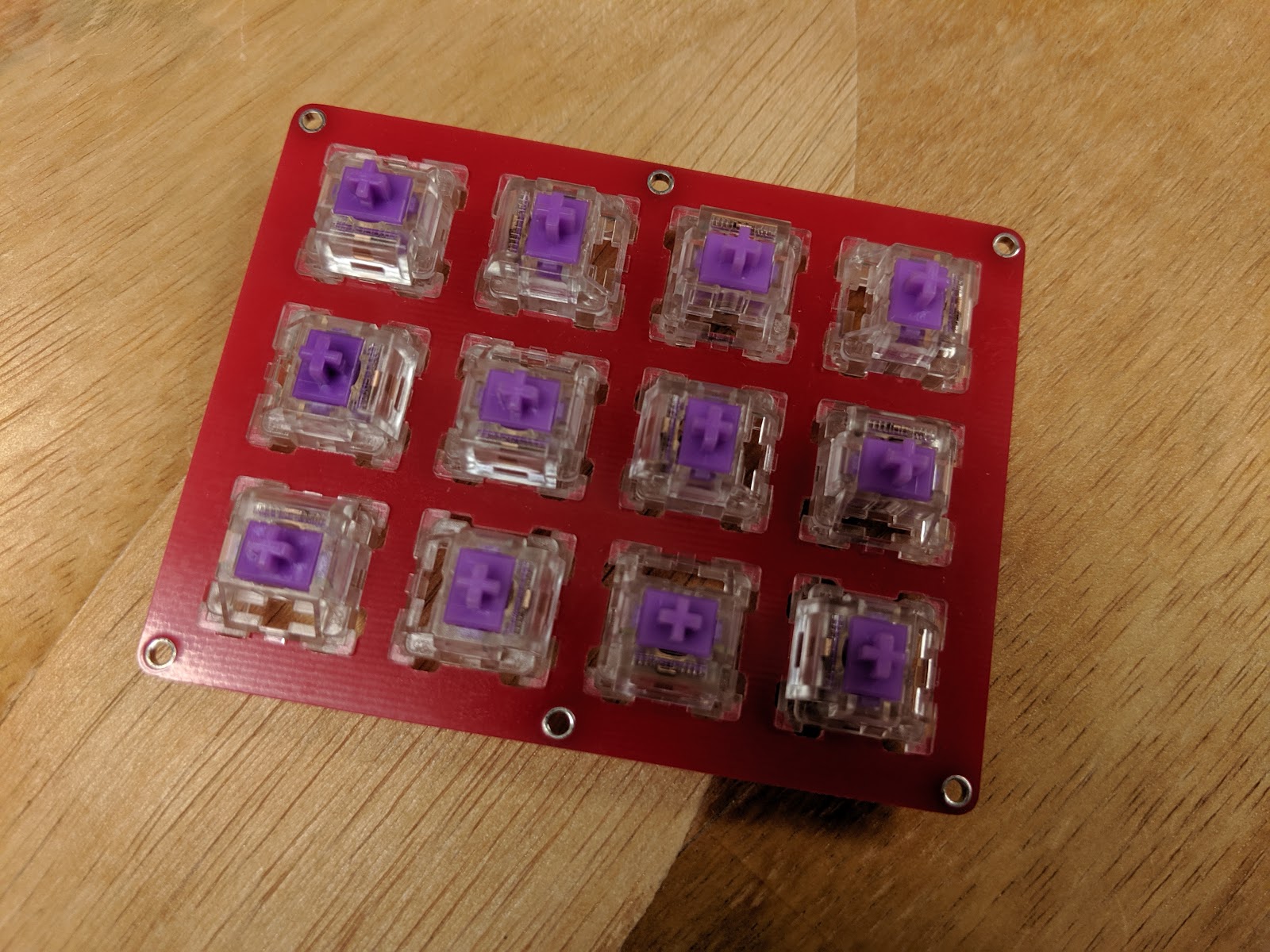 4 === 5 6 3x4/4x3 grid layout, multiple controllers supported 7 - Pro Micro 8 - PJRC Teensy 2.0 9 10 (**The below are not currently ported:**) 11 12 - PJRC Teensy LC/3.2 13 - PJRC Teensy 3.5/3.6 14 - Adafruit ItsyBitsy ATMega32u4 15 - Adafruit ItsyBitsy M0 16 - Adafruit ItsyBitsy M4 17 18 The matrix is electrically 1x12 with no diodes, with a thirteenth pin used for the column rather than a ground in order to be compatible with all the listed microcontrollers.. 19 20 The default keymap is a testing keymap that is intended to make sure all of the keys on the matrix are working and properly assigned. 21 22 [The original (minimal arduino sketch) firmware, with support for some unsupported controllers](https://git.40percent.club/di0ib/Misc/src/branch/master/polyandry) 23 24 Keyboard Maintainer: QMK Community 25 Hardware Supported: Polyandry PCB 26 Hardware Availability: [Polyandry gerbers are on 40percent.club](https://www.40percent.club/2019/07/polyandry.html) 27 28 Make example for this keyboard (after setting up your build environment): 29 30 make 40percentclub/polyandry:default 31 or 32 qmk compile -kb 40percentclub/polyandry -km default 33 34 Default firmware is for an Arduino Pro Micro knockoff. 35 36 If you would like to specify a controller: 37 38 make 40percentclub/polyandry/promicro:default 39 or 40 qmk compile -kb 40percentclub/polyandry/promicro -km default 41 make 40percentclub/polyandry/teensy2:default 42 or 43 qmk compile -kb 40percentclub/polyandry/teensy2 -km default 44 45 ## Bootloader 46 47 Enter the bootloader in 3 ways: 48 49 * **Bootmagic reset**: Hold down the top left key of the keyboard (top right or bottom left in horizontal configuration) 50 * **Physical reset**: Briefly press the button on the bottom of the microcontroller or, if not present short the pin marked RST to a GND. 51 * **Keycode in layout**: Press the key mapped to `QK_BOOT` if it is available 52 53 See the [build environment setup](https://docs.qmk.fm/#/getting_started_build_tools) and the [make instructions](https://docs.qmk.fm/#/getting_started_make_guide) for more information. Brand new to QMK? Start with our [Complete Newbs Guide](https://docs.qmk.fm/#/newbs).