
readme.md (1167B)
1 # AMJ40 2 3 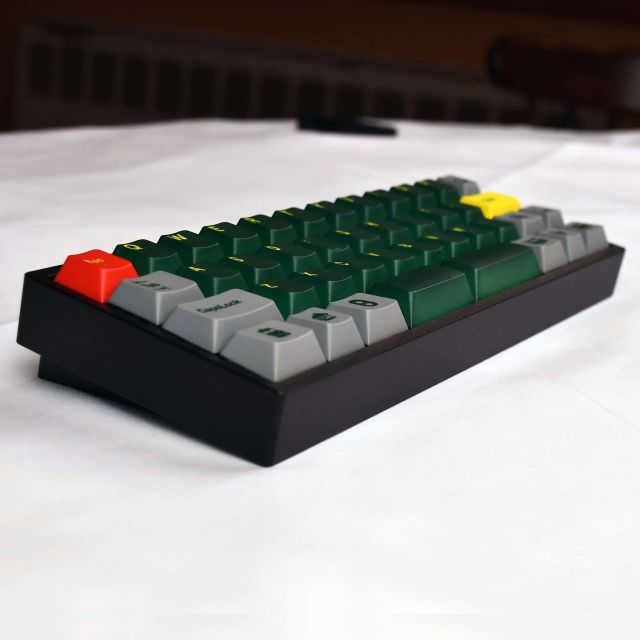\ 4 [PCB photo](https://raw.githubusercontent.com/noroadsleft/qmk_images/master/keyboards/amj40/DSC_1718-768x512_640) 5 6 DIY/Assembled compact 40% keyboard. 7 8 * Keyboard Maintainer: QMK Community 9 * Hardware Supported: AMJ40 PCB 10 * Hardware Availability: no longer available 11 * References: [Flashquark](https://flashquark.com/product/amj40-40-mechanical-keyboard-kit/), [geekhack](https://geekhack.org/index.php?topic=87961.0) 12 13 Make example for this keyboard (after setting up your build environment): 14 15 make amjkeyboard/amj40:default 16 17 Flashing example for this keyboard: 18 19 make amjkeyboard/amj40:default:flash 20 21 To reset the board into bootloader mode, hold the key at the top left of the keyboard while connecting the USB cable (also erases persistent settings). 22 23 See the [build environment setup](https://docs.qmk.fm/#/getting_started_build_tools) and the [make instructions](https://docs.qmk.fm/#/getting_started_make_guide) for more information. Brand new to QMK? Start with our [Complete Newbs Guide](https://docs.qmk.fm/#/newbs).