
readme.md (2450B)
1 # The Key V2 2 3 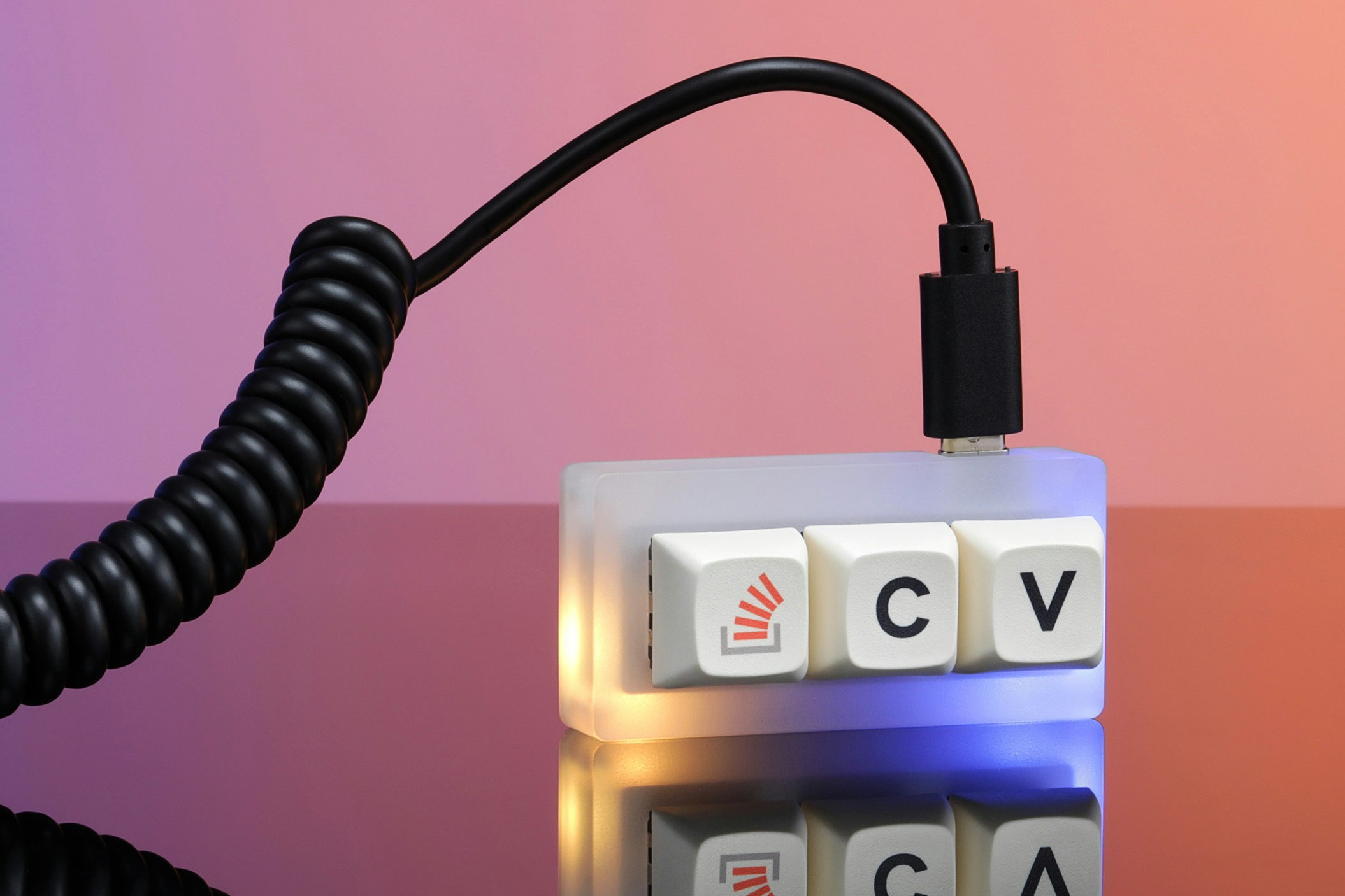 4 5 The Stack Overflow "The Key V2" is a 3 button macropad based on atmega32u4 with hot-swappble Kailh Black Box switches. 6 7 > Last year, we brought Stack Overflow’s iconic April Fool’s joke to life. Advertised as the new (and only) way to copy and paste on the site, it was an ultra-compact macropad called The Key. The punchline-turned product was a huge hit, selling over 10K units and earning a nearly 5-star average review. Now, we’re back with a second act: The Key V2. The same size as its portable predecessor, this punchline-turned-product has a few notable changes—including an acrylic case to accent its two built-in RGB LEDs. Plus, we made it hot-swappable, so you can easily change out the switches for a truly custom experience. And just like the original, a portion of all proceeds from The Key V2 will go to the data-driven social startup digitalundivided. 8 9 * Keyboard Maintainer: [zvecr](https://github.com/zvecr) 10 * Hardware Supported: Drop **The Key V2** 11 * Hardware Availability: Limited Release - https://drop.com/buy/stack-overflow-the-key-v2-macropad 12 13 Make example for this keyboard (after setting up your build environment): 14 15 # default provided by Drop / Stack Overflow 16 make drop/thekey/v2:default 17 # common modification where C = CTRL+C, V = CTRL+V 18 make drop/thekey/v2:url-copy-paste 19 20 Flashing example for this keyboard: 21 22 make drop/thekey/v2:default:flash 23 24 25 See the [build environment setup](https://docs.qmk.fm/#/getting_started_build_tools) and the [make instructions](https://docs.qmk.fm/#/getting_started_make_guide) for more information. Brand new to QMK? Start with our [Complete Newbs Guide](https://docs.qmk.fm/#/newbs). 26 27 ## Bootloader 28 29 Enter the bootloader in 3 ways: 30 31 * **Bootmagic reset**: Hold down the "Stack Overflow" key, the "left-most" or furthest from the USB plug while inserting the USB cable for a few seconds. The LEDs will **NOT** turn on. 32 * **Physical reset button**: Briefly press and hold the reset button while pluggin in the USB port. The LEDs on the back will **NOT** turn on. Depending on your case revision, you may have to remove the 4 screws on the back plate to access the switch OR you can use the associated access hole on newer releases. 33 * **Keycode in layout**: Press the key mapped to `QK_BOOT` if it is available