
readme.md (1303B)
1 # Rama Works x Machine Industries M4-A 2 3 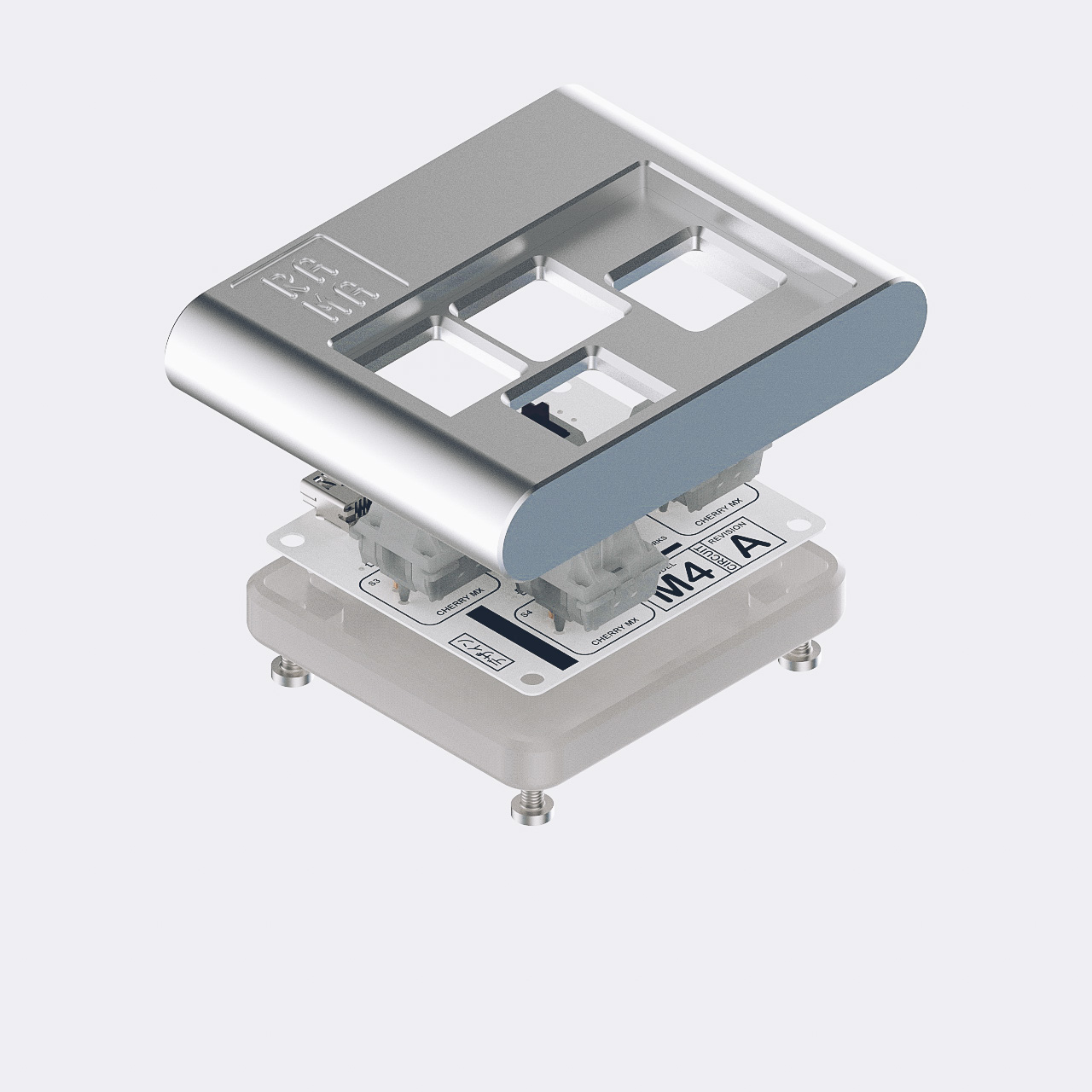 4 5 A tiny 4-key macropad designed by Rama Works. 6 7 * Keyboard Maintainer: [naut](https://github.com/nautxx) 8 * Hardware Supported: Rama Works x Machine Industries M4-A PCB 9 * Hardware Availability: [Rama Works Store](https://ramaworks.store/) 10 11 Make example for this keyboard (after setting up your build environment): 12 13 make machine_industries/m4_a:default 14 15 Flashing example for this keyboard: 16 17 make machine_industries/m4_a:default:flash 18 19 See the [build environment setup](https://docs.qmk.fm/#/getting_started_build_tools) and the [make instructions](https://docs.qmk.fm/#/getting_started_make_guide) for more information. Brand new to QMK? Start with our [Complete Newbs Guide](https://docs.qmk.fm/#/newbs). 20 21 ## Bootloader 22 23 Enter the bootloader in 3 ways: 24 25 * **Bootmagic reset**: Hold down the key at (0,0) in the matrix (usually the top left key or Escape) and plug in the keyboard 26 * **Physical reset button**: Briefly press the button on the back of the PCB - some may have pads you must short instead 27 * **Keycode in layout**: Press the key mapped to `QK_BOOT` if it is available